
MASTER BATH using AI
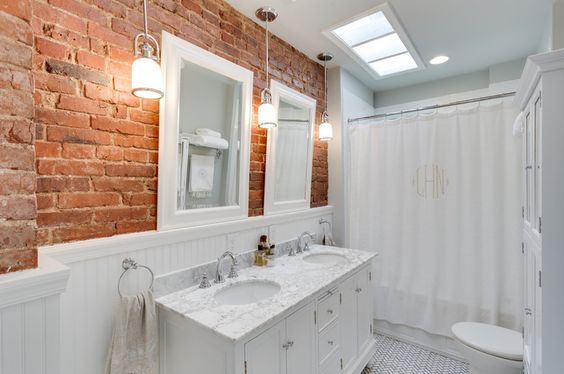
INSPIRATION

After multiple tries with AI
It had to be at least 12 attempts.
1. Put a 92" vanity in front of the window and make it wood to match the beams
2. Add the sconces provided on either side.
3. Add these black metal mirrors over the sinks.
4. Add the cafe curtains. (first try was in front of the mirrors)
5. Add the wainscoting - and I gave it a color palette for the correct green.
6. Add the beams - take away the vertical.
7. I did the floor by the shower and told it to repeat it.
VOILA

1. Bring the drop ceiling forward so that the shower can be enlarged and brought forward.
2. Keep the doors and trim in wall color
3. I asked for a 42" wainscoting, but I think it gave me only 36"
4. Chose the green and added it to the wainscoting.
5. Asked it to repeat the beams used by the sink.
6. It added the washer/dryer outside the door - they are not there.

Here's what it looks like in a color-drenched approach. The beams have not been added.
I think it's a bit boring.

Here it is with a black vanity and a neutral wall panel. The black plays off the floor tile, and the countertop repeats the tile in the shower.

Again - more neutral. It will make the bathroom seem larger. Darker colors will make it feel cozier.
I asked it to remove the flooring from the wall but I don't have a photo. You get the idea.


Comments
Post a Comment